Subtotal $0.00

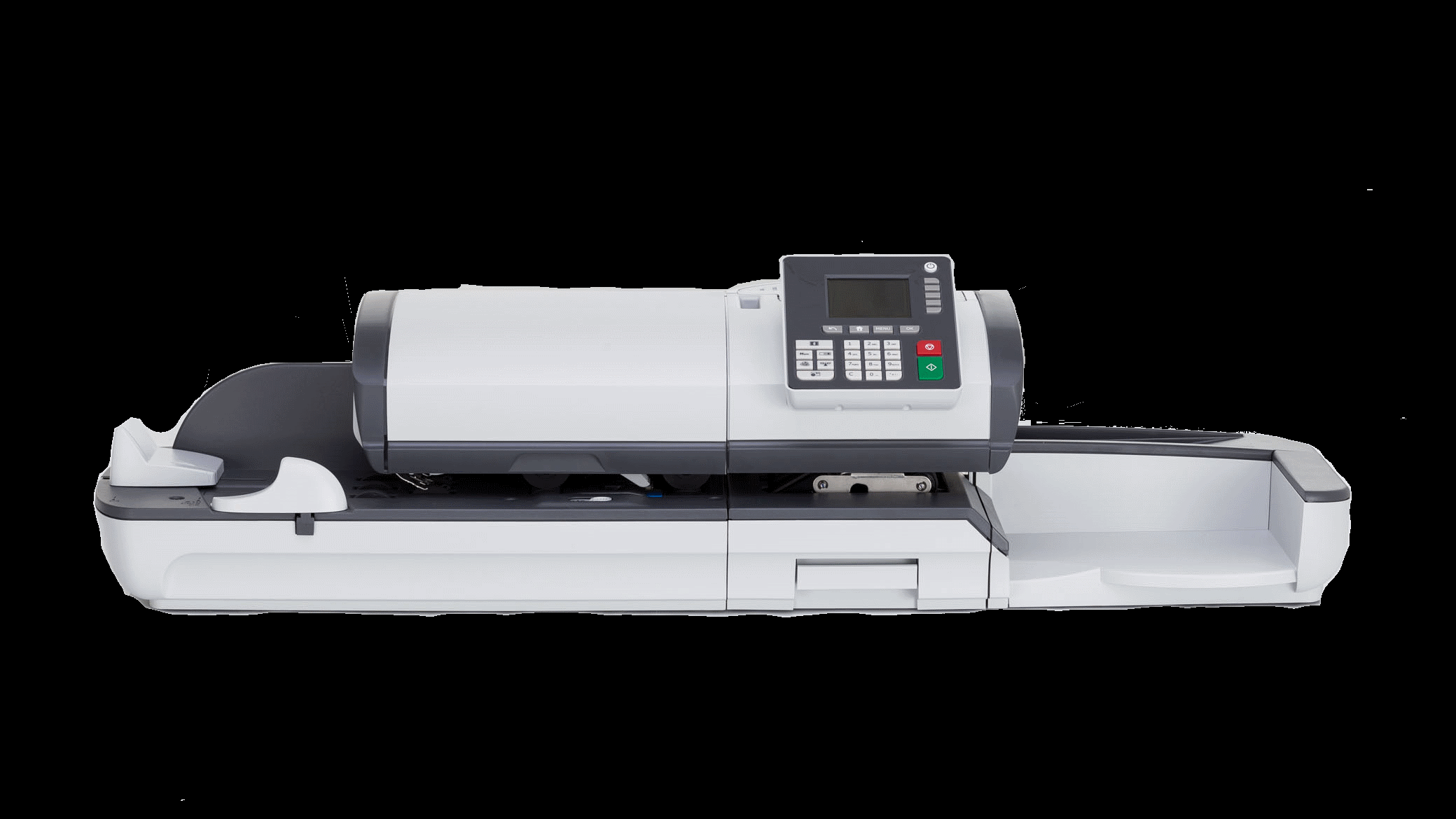
Efficient mail handling is often overlooked until a business starts dealing with hundreds or thousands of envelopes, documents, invoices, or packages every day. At that point, manual sorting, folding, sealing, and addressing can consume valuable employee time. The right mailing equipment can make these repetitive tasks faster, more consistent, and easier to manage.
Mailing equipment is not limited to one type of machine. It includes a range of tools designed for different stages of the mailing process, from preparing documents and envelopes to applying postage and organizing finished mail. Understanding what each machine does helps businesses avoid buying equipment that is unnecessarily complicated or poorly suited to their actual workload.
For a small office, a basic folder and sealer may be enough. A large organization with a dedicated mailroom may need automated inserting, sorting, addressing, and postage systems. The goal is not to purchase the most advanced equipment available, but to build a workflow that matches the volume, document types, staff, and operational requirements.
What Is Mailing Equipment?
Mailing equipment refers to machines and systems used to prepare, process, organize, and dispatch business mail. These tools reduce repetitive manual work while improving consistency and processing speed.
Common categories include:
- Folder machines
- Paper folders and inserters
- Envelope sealers
- Addressing systems
- Postage meters
- Letter openers
- Mail sorters
- Tabbers and labelers
- Scales and weighing systems
- Packaging and shipping equipment
Each category solves a different problem. For example, a folder turns flat sheets into properly folded documents, while an inserter places those documents into envelopes. A postage meter then handles postage application without requiring employees to manually stamp every item.
The equipment a business needs depends heavily on its mailing volume and workflow.
How to Choose Mailing Equipment Step by Step
Buying mailing machinery without first analyzing the existing process can create unnecessary expenses. A better approach is to evaluate the entire workflow before selecting individual machines.
1. Measure Your Mailing Volume
Start by determining how much mail your organization processes during an average day, week, and month.
For example, a company sending 100 letters per week may not benefit from sophisticated automated equipment. A billing department sending 5,000 statements every month has very different requirements.
Record:
- Average daily mail volume
- Peak mailing periods
- Number of employees involved
- Average processing time
- Types of documents being mailed
- Envelope sizes
- Number of pieces requiring special handling
This information provides a realistic foundation for equipment decisions.
2. Identify Repetitive Tasks
Watch how employees currently prepare mail. Look for tasks that consume significant amounts of time.
Common bottlenecks include repeatedly folding documents, inserting multiple pages into envelopes, sealing envelopes, weighing packages, and applying postage.
If employees spend several hours each week performing the same manual operation, automation may provide a measurable return.
For instance, an accounting department sending invoices might spend considerable time folding invoices and inserting them into envelopes. A folder-inserter combination could reduce this repetitive workload and allow staff to focus on accounting activities.
3. Match Equipment Capacity to Your Workload
Machines have different processing capacities. Selecting equipment based only on the advertised maximum speed can be misleading.
Consider your actual workload rather than the highest possible throughput.
A machine rated for thousands of pieces per hour may be unnecessary for an office processing a few hundred pieces each week. Conversely, an undersized machine can become a bottleneck during busy periods.
Also consider whether the machine can handle your paper thickness, envelope dimensions, document sizes, and required folding patterns.
4. Consider Automation Level
Automation should solve a specific operational problem.
Basic equipment may require an employee to load documents and monitor each stage. More advanced systems can automatically fold, insert, seal, address, and prepare mail for postage.
A useful approach is to automate the most repetitive and time-consuming stages first.
For example, a business might begin with a high-quality folder and sealer. If mailing volume continues to increase, it could later add an inserter or automated addressing system.
5. Evaluate Operating Costs
Purchase price is only one part of the total cost.
Consider:
- Maintenance
- Replacement parts
- Consumables
- Electricity
- Software
- Service contracts
- Employee training
- Downtime
A cheaper machine may become more expensive over time if it requires frequent maintenance or creates excessive downtime.
Common Types of Mailing Equipment
Folder Machines
Folder machines quickly fold documents into common formats such as letter, half, or tri-fold configurations. They are useful for invoices, statements, brochures, notices, and correspondence.
They are particularly valuable when employees currently fold documents by hand.
Inserters
Inserters place documents into envelopes automatically. Some models can handle multiple sheets and different document combinations.
Businesses that send recurring statements, notices, or invoices can benefit significantly from this type of automation.
Envelope Sealers
Envelope sealers moisten and close envelope flaps consistently. They can reduce repetitive manual sealing and help prevent inconsistent closures.
Postage Meters
Postage meters calculate and apply postage according to configured mailing requirements. They can simplify postage management and reduce the need for manually applying stamps.
Letter Openers
Organizations receiving large quantities of physical mail can use automatic letter openers to quickly access envelopes without manually opening each one.
Common Mistakes and Challenges
One of the biggest mistakes is purchasing equipment based solely on speed. A machine may process thousands of pieces per hour but still be unsuitable if it cannot handle the organization’s paper or envelope formats.
Another common problem is ignoring future growth. If mailing volume is increasing steadily, buying equipment that barely meets today’s requirements may result in another purchase within a short period.
Businesses should also avoid overlooking employee training. Even relatively straightforward machines can produce jams, feeding errors, or damaged documents when operators do not understand proper setup and maintenance.
Poor workflow design is another challenge. Automating one stage does not necessarily improve the entire process if another manual bottleneck remains.
Practical Tips for Better Mailroom Operations
Start by creating a simple workflow map. Document every step from receiving or printing materials through final dispatch. This makes unnecessary manual processes easier to identify.
Keep equipment clean and follow the manufacturer’s maintenance schedule. Dust, paper fragments, adhesive buildup, and worn rollers can affect feeding accuracy and reliability.
Standardize paper and envelope specifications whenever possible. Using consistent materials makes automated equipment easier to configure and reduces feeding problems.
Train more than one employee to operate important equipment. Relying on a single trained operator can create operational problems when that person is unavailable.
Finally, monitor performance after installing new equipment. Compare processing times, error rates, labor requirements, and maintenance costs with your previous workflow. This provides evidence about whether the investment is actually improving operations.
Conclusion
The right mailing equipment can transform a slow, labor-intensive mailroom into a more organized and predictable operation. However, successful automation starts with understanding the workload rather than simply purchasing advanced machinery.
Measure mailing volume, identify repetitive tasks, evaluate equipment capacity, consider total operating costs, and plan for future growth. Whether a business needs a simple folder or a complete automated mailing system, equipment should support the workflow instead of complicating it.
A practical, measured approach allows organizations to reduce manual work, improve consistency, and process everyday mail more efficiently without spending money on capabilities they do not actually need.