Subtotal $0.00

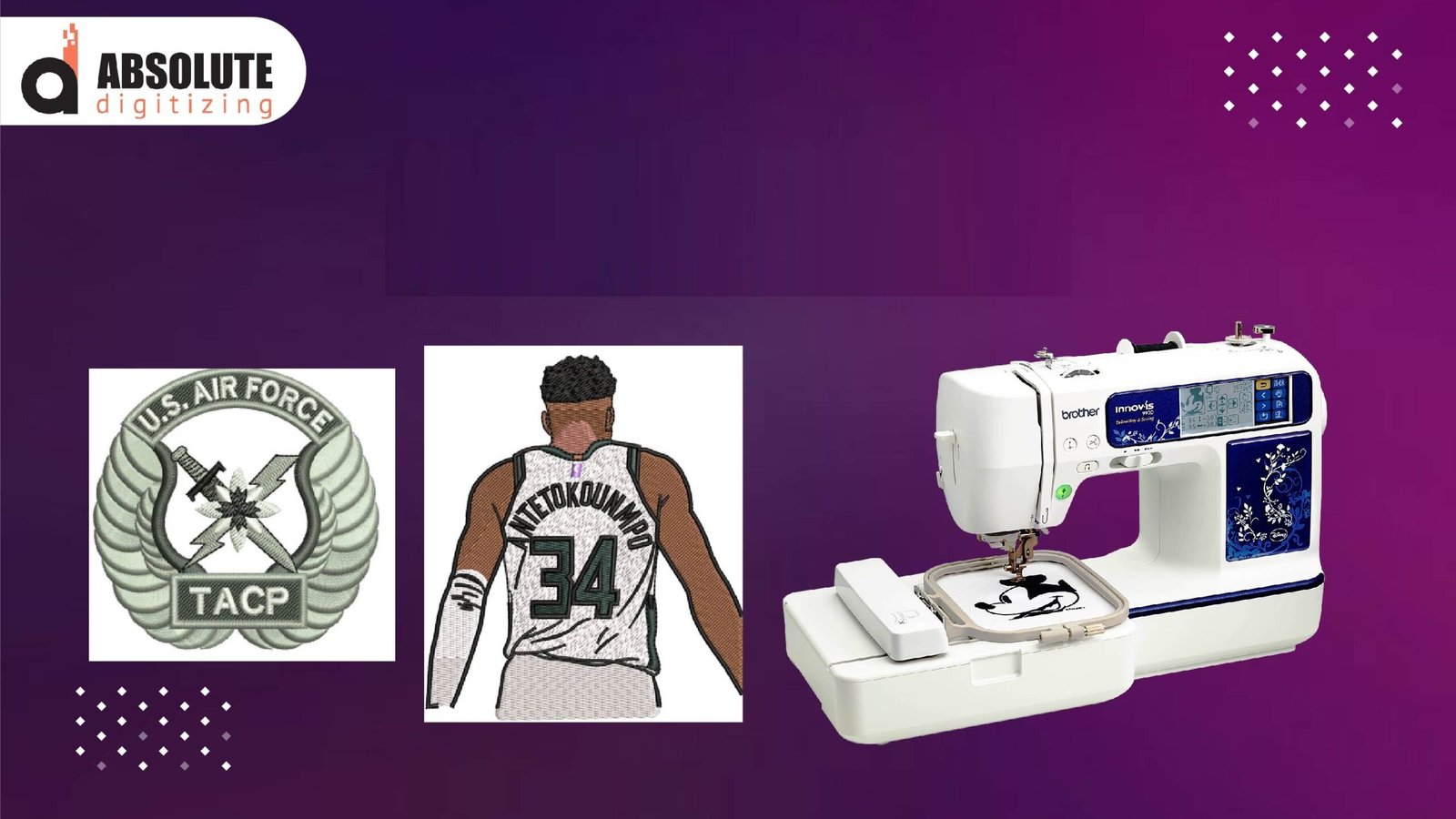
Turning artwork into embroidery files is a key step in machine embroidery. Many people have logos, photos, names, or simple art saved as image files. But embroidery machines cannot read normal picture files. They need stitch files made for sewing.That is why many beginners start by learning JPG To DST Conversion and other common file changes.
A JPG image only shows pixels and color. A DST file holds stitch paths, needle moves, and thread stops. This means the artwork must be rebuilt for embroidery before the machine can use it.
The process may sound hard at first, but it becomes easy when you know the basics. With the right steps, you can turn clean graphics into stitch-ready files that sew well. In this guide, you will learn simple and helpful basics for converting graphic files into stitch formats.
What Is a Graphic File?
A graphic file is an image saved on a phone or computer.
Common Graphic File Types
- JPG
- PNG
- BMP
- SVG
- AI
These files are made for screens, print, or design work. They are not made for embroidery machines.
What Is a Stitch File?
A stitch file tells the embroidery machine how to sew.
It includes:
- Stitch points
- Needle path
- Thread color stops
- Trim commands
- Design size
Common Stitch File Types
- DST
- PES
- JEF
- EXP
- VP3
Each machine brand may use different formats.
Why Images Cannot Stitch Directly
A machine does not understand pictures the way people do.
A JPG file only shows color blocks and pixels. It does not say:
- Where to start sewing
- What stitch type to use
- How dense stitches should be
- Where thread trims happen
That is why artwork must be digitized first.
What Digitizing Means
Digitizing is the process of turning artwork into stitches.
A digitizer studies the image and chooses:
- Satin stitch for borders
- Fill stitch for large areas
- Running stitch for detail lines
- Correct stitch order
- Proper stitch angles
This is where skill matters most.
Start With Clean Artwork
Good results begin with good art.
Best Artwork for Conversion
- Clear logo files
- Sharp text
- Bold shapes
- High quality images
- Simple color areas
Harder Artwork
- Blurry photos
- Tiny text
- Low quality screenshots
- Busy backgrounds
Clean art saves time and gives better stitch results.
Use Vector Files When Possible
Vector files are often better than JPG files.
Common Vector Types
- AI
- EPS
- SVG
- PDF (vector based)
These files use lines and shapes, not pixels. They stay clear at any size.
That helps digitizers trace clean paths.
Choose the Right Stitch Type
Every part of the design may need a different stitch.
Satin Stitch
Best for:
- Text
- Borders
- Narrow shapes
Fill Stitch
Best for:
- Large areas
- Logos
- Background zones
Running Stitch
Best for:
- Fine detail
- Outline lines
- Light accents
Using the right stitch keeps designs neat.
Size Matters in Conversion
The final size changes how a design should be digitized.
Example
A logo for a cap needs different settings than a large jacket back.
Small sizes may need:
- Less detail
- Thicker lines
- Simpler text
Large sizes may need:
- More fill support
- Better pathing
- Balanced density
Always know the final size first.
Fabric Type Also Matters
Good conversion is not only about the file. It is also about where it will stitch.
Cotton
Easy for most designs.
Knit Shirts
Need more support and smart pull control.
Caps
Need center-out sewing path.
Towels
Need topping and bold stitches.
Tell your digitizer the fabric type before work starts.
Watch Stitch Density
Density means how close stitches sit together.
Too Dense
- Stiff design
- Thread breaks
- Fabric puckers
Too Light
- Fabric shows through
- Weak coverage
Balanced density gives clean results.
This is one of the top signs of a quality stitch file.
Keep Text Readable
Many logos have text. Small text is one of the hardest parts of embroidery.
Tips for Better Text
- Use simple fonts
- Avoid very tiny letters
- Increase spacing if needed
- Use satin columns for clear edges
Readable text is better than fancy text that fails.
Color Planning Helps
Machines stitch one thread color at a time.
Smart color planning can:
- Reduce thread changes
- Save time
- Lower trim count
- Improve clean flow
Good file setup makes production easier.
Test Stitch Before Final Run
Never trust screen view only.
Always run a sample on similar fabric.
Check These Points
- Shape quality
- Text clarity
- Thread breaks
- Edge smoothness
- Proper size
Testing shows what the screen cannot.
My Real Method for Better File Conversion
When I get a client logo, I first inspect the image quality. If it is blurry, I ask for a better file. Then I check the final size and fabric use.
Next, I simplify tiny details that will not stitch well. After that, I assign stitch types and set the sewing order. Then I run a sample.
This real process saves time and helps avoid bad results.
Common Mistakes Beginners Make
Using Low Quality Images
Bad art gives bad files.
Keeping Too Much Detail
Tiny parts may not stitch.
Ignoring Final Size
Design may fail when reduced.
No Test Run
Leads to waste.
Wrong File Format
Machine may not open it.
Avoiding these helps a lot.
When to Redraw Artwork First
Some images need cleanup before digitizing.
Redraw If:
- Edges are blurry
- Colors blend badly
- Text is unreadable
- Lines are broken
- File is too small
A clean redraw often gives the best result.
Machine Format Choice Matters
Different machines use different file types.
Examples
- Tajima often uses DST
- Brother often uses PES
- Janome often uses JEF
Always confirm your machine type before saving the final file.
Keep a File Folder System
Stay organized with saved versions.
Helpful Folder Names
- Client Name
- Logo Original
- DST Final
- PES Final
- Test Sample
Good file order saves time later.
Beginner Projects to Practice On
Use simple designs first.
Good Practice Ideas
- Name text
- Star badge
- Basic flower
- One-color logo
- Circle patch
These teach file conversion basics without stress.
Quick Checklist Before Final Delivery
Artwork Check
- Clear image
- Correct colors
- Right size
Stitch File Check
- Correct format
- Balanced density
- Readable text
- Clean pathing
Sample Check
- Sews clean
- No breaks
- Looks sharp
This builds trust with customers.
Why Skilled Conversion Builds Authority
Anyone can click auto-convert tools. But real embroidery quality comes from smart digitizing.
A skilled process uses:
- Clean stitch paths
- Right stitch types
- Proper support settings
- Real testing
That is why expert-made files often sew better and faster.
Grow With Every Project
Each design teaches something new.
You learn:
- Which logos need simplification
- Which fonts stitch best
- Which fabrics need more support
- Which sizes hold detail well
Experience grows with each test run.
Final Thoughts
Converting graphic files into stitch formats is an important step in embroidery success. Start with clean artwork. Know the final size. Choose the right stitch types. Match the file to the fabric and machine format.
Do not depend only on auto tools. Test sew every design and improve when needed. With practice and smart methods, you can turn simple graphics into clean, professional stitch files that run smoothly and look great on finished products.